
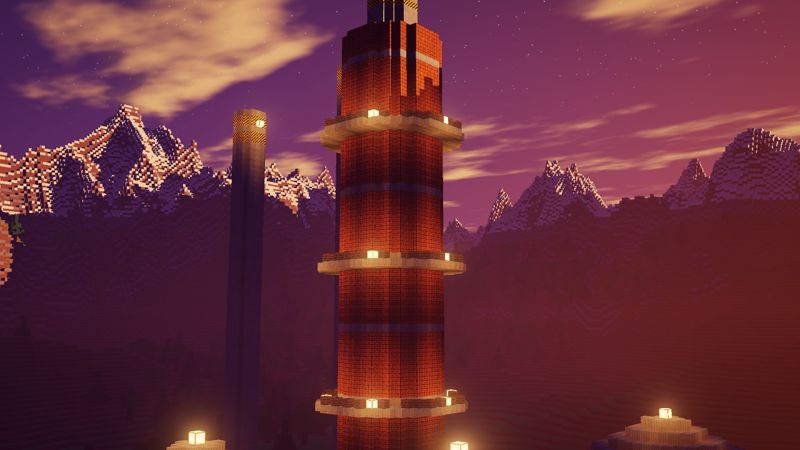
ClientOct 11, 2026
HUD mods and freelook
FPS, CPS, keystrokes, armor, potions and coordinates, placed with a drag-and-drop editor.
Survival, raids and factions on Minecraft 1.8.9. Build a base, raid the refinery and hold the valley.
135.148.15.207:25854Already installed? Open RustCraft Launcher
Every button below opens the RustCraft Launcher on that page. The first time, your browser asks to open RustCraft Launcher; tick "Always allow" and it goes straight there after that.
Opens Home with Play ready. You confirm, and the launcher joins the server.
rustcraft://playSkins, HD animated capes, hats, wings, pets, auras and emotes. Other RustCraft players see them in game.
rustcraft://view/wardrobeRanks, cosmetics and Remove ads, checked out in the launcher's cart.
rustcraft://view/storeAdd players, see who is online and send messages that reach them in game.
rustcraft://view/friendsGlobal chat with everyone in the launcher, with rank fonts, colours and pixel emojis.
rustcraft://view/chatYour mod inventory, plus Modrinth and CurseForge in one click. Core mods stay on.
rustcraft://view/modsLinks only open a page. The launcher never downloads, installs or starts anything from a link without you pressing the button.
Type a username and press Play. The first launch sets everything up for you.
Windows 10 or 11 with Microsoft Edge (already installed on both).
Download RustCraftLauncher.exe and run it. No installer; it keeps the game in %APPDATA%\.rustcraft.
Enter your username. The first Play installs Java, Minecraft 1.8.9 and Forge, then joins RustCraft.
Type /register with a password the first time, then /link to connect your launcher for friends and chat.
Browse every rank, cape and cosmetic. Filter by type, and click any item for a closer 3D look. Buy them in the launcher's store — your rank tag, cape and cosmetics then show in chat and in game.
Talk builds, raids, factions and everything RustCraft with other players. Sign in or create a free account to read and post.
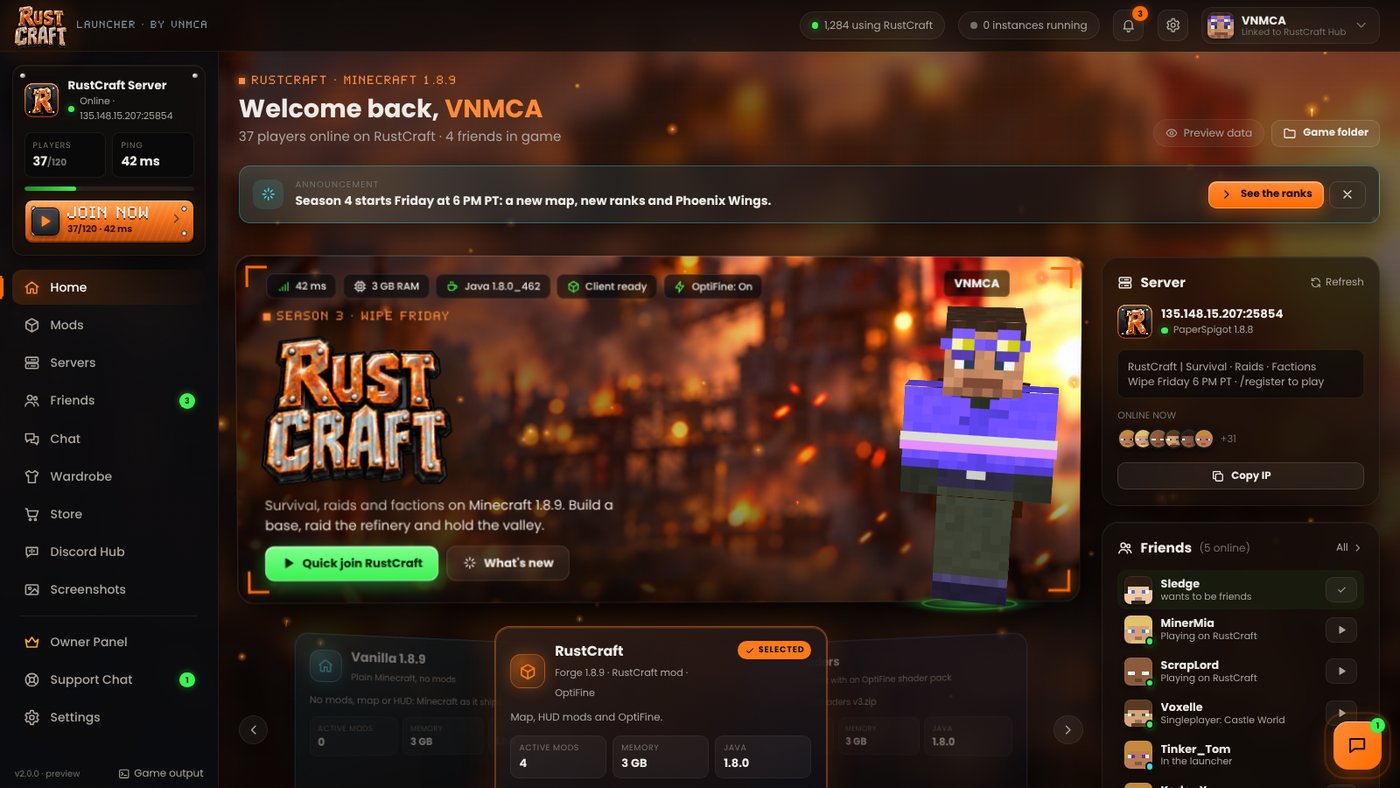
A new 4K launcher with friends, a mod inventory, the store and the Discord hub, plus HUD mods in game. Live server status, news and patch notes sit on the home screen, and messages reach friends whether they're in the launcher or in game.
FPS, CPS, keystrokes, armor, potions and coordinates, placed with a drag-and-drop editor.
Type /link in game to message friends and talk to staff from the launcher.
No. The launcher starts Minecraft 1.8.9 with an offline profile, so a username is all you need to play on RustCraft. Register in game with /register to protect your name.
No. RustCraft lives in %APPDATA%\.rustcraft. It copies resource packs over from .minecraft and never deletes or overwrites anything there.
Open the launcher once after downloading it; that's when it registers its links with Windows. Then try again and choose "Open" when your browser asks.
Downloads go over HTTPS and every file must match a published checksum. Client updates are signed, and the launcher refuses any update that fails its check.
Yes. OptiFine's licence doesn't allow bundling it, so the launcher gets it from optifine.net and lets you switch it on or off with one chip.
Not yet. The launcher runs on Windows 10 and 11.